
Akai Pro MPC Renaissance and Studio - Software Installation and Unlock Process

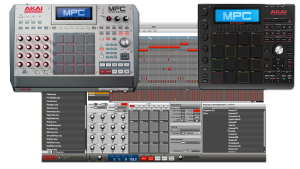 The MPC Renaissance and Studio give you a fully integrated production solution. For the latest video walk through of the download, installation, and authorization of the included MPC software - and how to quickly get up and running and making music - visit the following link:
 This video and accompanying download walk you though integrating Logic Pro into your MPC-centered studio. In this setup, we use the MPC as the sequencer, with Logic Pro acting a sound module. We also incorporate a USB MIDI keyboard controller.
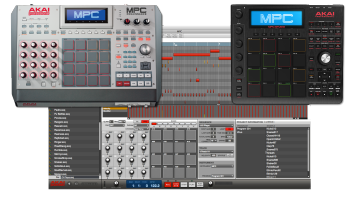 The MPC Renaissance and Studio include a powerful standalone MPC application. You can also use the MPC software as a plugin within your favorite DAW such as Logic Pro. This video guide walks you through everything you need to know about using the Akai MPC Renaissance or Studio plugin inside Logic Pro.
 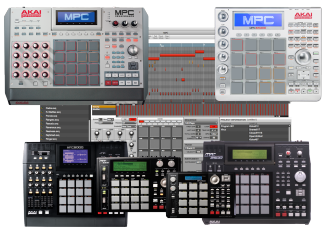 The MPC series of drum machines are powerful sequencers in their own right. Additional capability can be added to our MPC when used in conjunction with Ableton Live. The following guide will show you how to use your MPC as both a master and slave device with Ableton Live.
 Transferring iMPC content to and from your computer is straight foward and takes only a few minutes. In this article we show you how to save your exported iMPC sequences, projects, and songs to your computer. We also show you how to transfer samples from your computer to the iMPC App.
 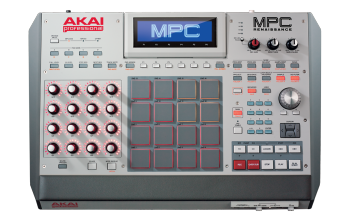 Have a keyboard, vocal, or instrument that you want to sample? With the MPC Renaissance/MPC Software it has never been easier. You can even quantize the sample with legendary MPC swing! The following article will show you how to record a sample, assign it to a pad, and chop it up.
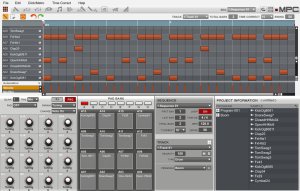 The latest update to the MPC Software, version 1.4, includes 64-bit support for PC/Mac. The standalone application, VST and Audio Unit plugins now have 64-bit versions. These updated 64-bit plugin versions will now load in supported 64-Bit DAW's. If you are running the 64-bit version of the MPC Standalone or Plugin one of the first differences you may notice is that some 3rd party plugins that were previously available in the 32-bit version are no longer available. In this overview, we'll cover how to run the 64 and 32 bit versions of the MPC Software and Plugin , and review what 3rd party plugins will be available depending on the bit type version of MPC Software you are running.
 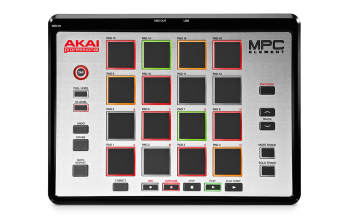 Akai Pro's stretch the boundaries of how MPC users will integrate classic MPC workflow with their computers. The MPC Element's slim design, pad play integration, and ease of use with many of today's modern music applications provides the feature set to help users produce in a portable way. The MPC Element is also bundled with MPC Essentials Software, which combines to make a dedicated hardware and software experience. This article will help answer user's questions about the MPC Element and MPC Essentials Software, how they integrate, and how they add to the modern MPC experience with the MPC Renaissance, MPC Studio, and MPC Software.
  Everyone wants more. If you are lucky enough to own an Akai MPC and an Akai MPK, then you should know that these can be synced together using MIDI Clock. This allows for perfect timing and instantaneous messaging between all synced devices and programs. Check out the guide below on how to sync an Akai MPK, an MPC, and Propellerhead's Reason software. Once you do this, beware! The dangers of such unlimited potential may be hazardous to your health!
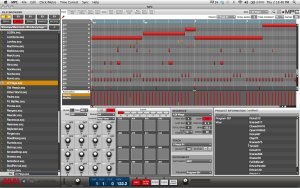 The MPC Software and Essentials empowers you with unprecedented, expandable production capabilities on your Mac or PC, and as usual, Akai Professional continues to add updates and expansions to these ground-breaking software titles. Check out the latest features to the MPC Software in this article.
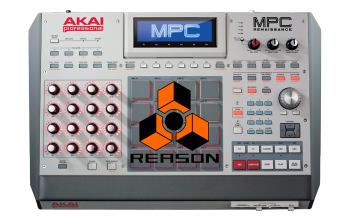 The MPC Plugin allows users to transmit MIDI data from the plugin to a software instrument track in their DAW. For most DAW's that support VST, AU and RTAS this is relatively simple to set up. However, Reason, which does not support those plugin formats needs additional workarounds to make this kind of routing capable to control its instruments. Sometimes it's realistic to have Reason slaved in Rewire to a DAW, that can then transmit MIDI to various instruments. Sometimes this is not practical because you don't have another DAW to Rewire. This guide will help you setup the Standalone MPC Software to transmit MIDI to Reason's instruments.
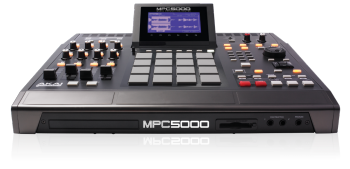
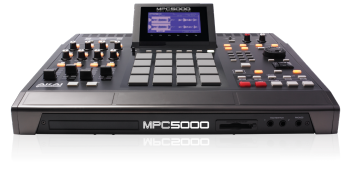 In this video, we'll cover loading and saving on the Akai MPC5000. This will include samples, programs, sequences and songs.
 iMPC Pro is a 64-track music production powerhouse for your iPad. Developed in partnership with Retronyms, the iMPC Pro app comes with built-in sampling functionality, a sound library, effects, and performance-driven features that bring the functionality of Akai Professional's coveted Music Production Center to your iPad. The iMPC Pro app comes with numerous enhancements for creating when inspiration strikes and this article contains a number of in-depth videos which walk through the many various features included in the iMPC Pro app.
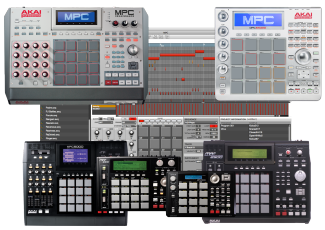 The MPC series are powerful sequencers and drum machines. Additional capability can be added to the MPC when used in conjunction with Digital Performer. The following guide shows how to use the MPC as both a master and slave device with Digital Performer.
 A step-by-step walkthrough on how to synchronize your MPC with Reason.
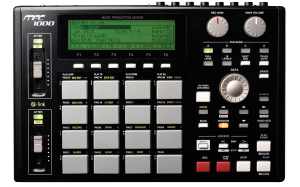 The Akai MPC1000 is a portable but powerful version of the larger MPC series units. It not only operates as a standalone production studio, but can easily control Ableton Live via MIDI. The following article will walk you through how to map your MPC1000 to be used with the Ableton Live Drum Rack.
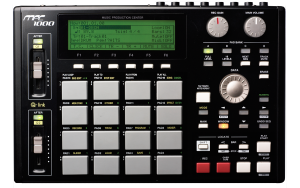 The MPC 1000 puts the classic MPC workflow and sound into a portable and affordable package. It can operate as a standalone unit or as a MIDI device synced to your favorite DAW. This guide covers how to MIDI sync the MPC 1000 with Reason 7.
 A step-by-step walkthrough on how to synchronize your MPC with Ableton Live.
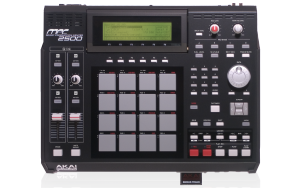 The MPC2500 is a staple of music production, used by professional producers, beatmakers, and other musicians everywhere. MPCs make it quick and easy to make beats and shape them to perfection. In this column, we’ll give you some ideas on how to get even more out of your MPC2500. Nearly all MPC users can benefit from these tips, with the exception of the Auto Chromatic feature, which is just for the MPC2500.
 A step-by-step walkthrough on how to synchronize your MPC with Cubase LE.
 A step-by-step walkthrough on how to synchronize your MPC with Sonar.
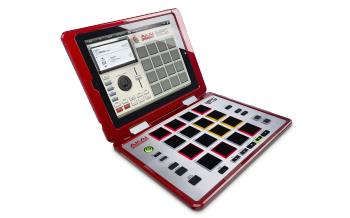 There's a lot of excitement brewing about the release of the Akai Professional MPC Fly. We've gathered answers to your most common questions together in this article.
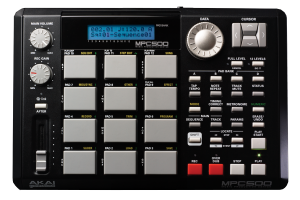 The Akai MPC500 is a portable but powerful version of the larger MPC series units. Not only is it a capable sampler and sequencer in its own right, but it can also serve conveniently as a MIDI controller for Ableton Live. The following article will walk you through how to map your MPC500 to be used with the Ableton Live Drum Rack.
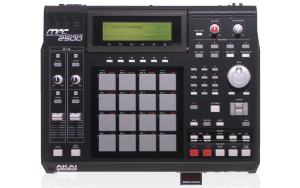 Some people can hit it just right and some people can't. For those of us with lighter touches or for those of us who are just plain heavy-handed, the MPC 500/2500/5000 allows the user to adjust the velocity curve of the assigned sound to better suit a particular playing style. Check out this article to find out more.
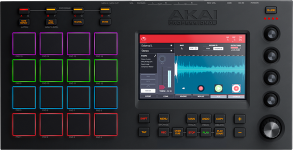 Combining the might of a pro-level piece of production gear truly fit to carry the MPC shield with the tactile ease of use found on smartphones and tablets, the Touch is truly a workflow revolution. It incorporates the ease of a touchscreen right on the device for quicker production. This guide thoroughly walks through the installation procedure.
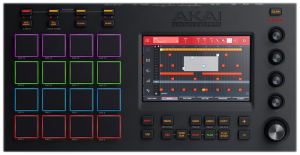 The Akai MPC Touch boasts a 7" touchscreen that allows you to have full control over your projects without ever looking away from the hardware. The MPC Touch is recognized by your computer as an extra display, so making sure that it is set up properly is very important. This guide reviews some of the most common questions and concerns you could about the display while configuring or using the MPC Touch.
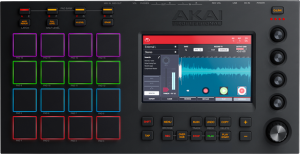 The Akai Pro MPC Touch is truly a workflow revolution. It incorporates the ease of a touch screen right on the device for quicker production. This guide walks through how to get up and running and start making music quickly using the MPC Touch.
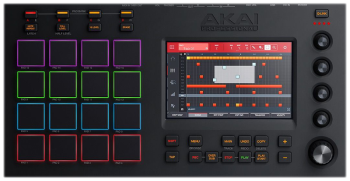 In creating the MPC Touch, we have once again established the iconic MPC series as the thought leader in music production technology. Combining the might of a pro-level piece of production gear truly fit to carry the MPC shield with the tactile ease of use found on smartphones and tablets, the Touch is truly a workflow revolution. How producers interact with all aspects of their sound has been forever changed. This article answers your frequently asked questions about the Akai Professional MPC Touch.
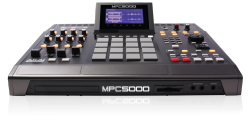 In this video we walk through how to install or replace the CDM25 DVD-ROM drive in an Akai Professional MPC500 or MPC2500. The plug-and-play DVD drive comes right out with no tools, and can be swapped out in about 2 minutes. Just a screw driver is needed to open the access panel.
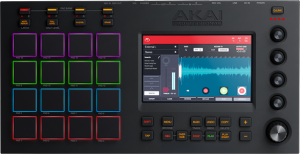 The MPC Touch and included MPC software combine to create a powerful beat-making machine, incorporating all elements of the legendary MPC workflow. Using the MPC software as a plugin adds even more features and options to connect and interact with your favorite DAW. This guide walks you through everything you need to know about using the Akai Pro MPC Touch as a plug-in inside Cubase.
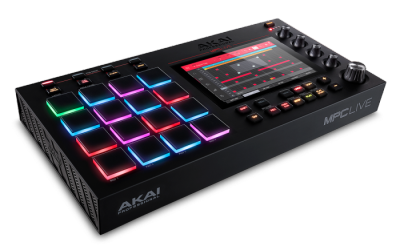 The new MPC Live makes the process of performing your studio inventions on stage incredibly seamless by combining the power of a production centerpiece with the portability and rugged design of an on stage workhorse. This article will walk through setting up a MIDI controller with the MPC Live.