
M-Audio M-Track & M-Track Plus - Driver Installation
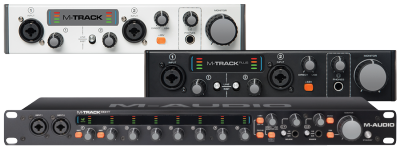
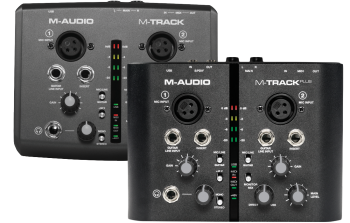 The M-Audio M-Track and M-Track Plus interfaces add a professional edge to your mobile or project studio. M-Audio has made it easy to use the M-Track and M-Track Plus by making them class-compliant, meaning that they are plug-and-play devices. However, M-Audio also created an alternate Windows ASIO driver for lower latency and added support on a Windows-based computer. This guide walks through the installation and basic setup of the M-Audio low-latency driver on a Windows operating system.
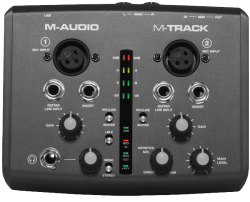 The M-Audio M-Track and M-Track Plus are all-purpose interfaces that provide instant plug & play recording capability. This guide walks through how to configure Pro Tools Express with the M-Track or M-Track Plus properly on your system. This guide also covers how to start recording audio tracks in the Pro Tools Express software.
  This guide explains how to configure multiple ProFire 2626’s for additional recording inputs. In this configuration, one device will be connected via FireWire as the “interface” (aka Host), and the additional 2626’s will be used as stand-alone A/D (analog to digital) converters connected to the “interface” (Host) via optical (aka TOSlink) cables.
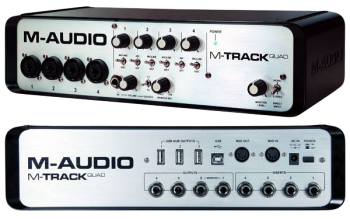 The M-Audio M-Track Quad is an all-purpose, multi-channel interface that provides high quality recording and playback capability. This guide walks through how to configure Pro Tools Express with the M-Track Quad properly on your system. This guide also covers how to record from the multiple inputs of the M-Track Quad simultaneously.
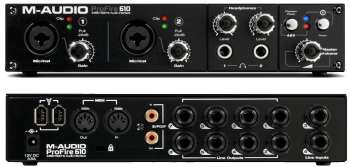 The M-Audio ProFire 610 features an on-board DSP mixer, giving you an extra level of flexibility and improving the overall performance of your system. This article demonstrates how the Profire's control panel can be used to customize your monitoring experience through a variety of output routing options.
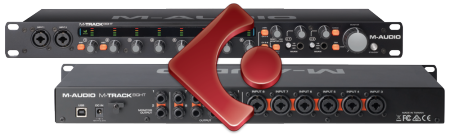 The M-Audio M-Track Eight includes Steinberg's Cubase LE 7 professional music production software. With this combination, you have turned your PC or Mac computer into a high quality recording and production studio. This guide will get you up and running with the M-Track Eight and Cubase, from installation to recording your first tracks!
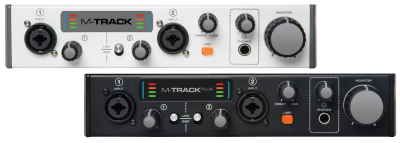 The M-Audio M-Track (MKII) and M-Track Plus (MKII) are versatile interfaces that are able to accommodate any input, from an electric guitar to a professional condenser mic - and is ideal for on-the-go musicians. This article walks through a number of frequently asked questions about the M-Track (MKII) and the M-Track Plus (MKII).
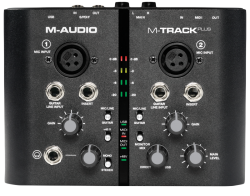 The M-Track Plus is an all-purpose interface that provides quick and easy setup with a vast number of Digital Audio Workstations. This guide walks through how to configure Reaper with the M-Track Plus properly on your system.
 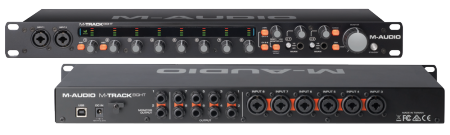 The M-Audio M-Track Eight is a professional USB audio interface ready to be the center of your studio or live sound setup. Eight inputs, ten outputs, and two dedicated headphone amplifiers accommodate a wide variety of audio production challenges. This article covers a few frequently asked questions about the M-Track Eight.
  The M-Audio M-Track (MKII), M-Track Plus (MKII), and M-Track Eight include a collection of popular and powerful Waves plugins. This guide covers registering your product, downloading, and installing the Waves plugins.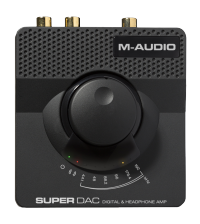
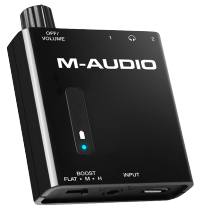
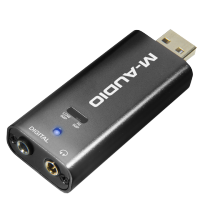
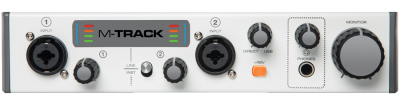 The M-Audio M-Track MKII is a powerful 2 channel interface that gives you access to instant plug & play recording on your computer. This guide walks through how to make sure that your M-Track MKII is set up properly on your system as well as how to get started recording audio tracks with the included Ableton Live Lite software.
 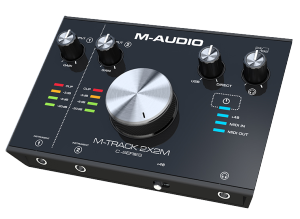 With the M-Track 2X2M, you can create 24-bit/192kHz studio-quality recordings with an intuitive and easy-to-use audio interface. This article walks through a number of frequently asked questions about the M-Track 2X2M.
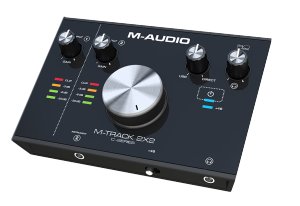 With the M-Track 2X2, you can create flawless 24-bit/192kHz studio-quality recordings with an intuitive and easy-to-use audio interface. This article walks through a number of frequently asked questions about the M-Audio M-Track 2X2.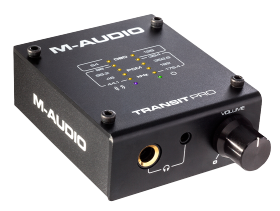
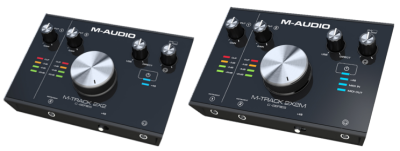 With the M-Audio M-Track 2X2 and 2X2M, you can create flawless 24-bit/192kHz studio-quality recordings with an intuitive and easy-to-use audio interface. If you're a beginner, or even a pro, there may be a point where things aren't working as you'd expect and you could use some help. This article can assist in troubleshooting problems you may experience with the input, output, and initial setup of your M-Track 2X2 Series interface.