
Akai Pro MPK mini MKII - Setup in MPC Essentials
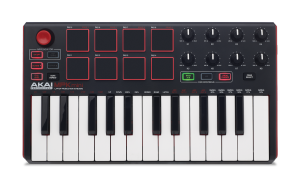
 The MPK mini is an ultra-compact keyboard controller designed for the traveling musician and the desktop producer. With an array of hardware controls, MPK mini lets you record, compose, and perform with virtual instruments, effect plugins, and DAWs whenever inspiration strikes. This article walks through setting up the Akai Pro MPK mini with the MPC Essentials software as well as SONiVOX Wobble 2 and AIR Hybrid 3.
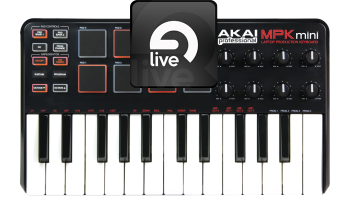 This guide provides an easy to follow introduction to setting up an Akai with . Make sure to connect the MPK mini to a USB port before opening Ableton Live. The example below was performed using Windows XP and Ableton Live Lite Akai Edition, Version 8.1.3.
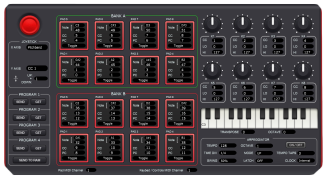 The MPK mini MKII is an ultra-compact keyboard controller designed for the traveling musician and the desktop producer. With an array of hardware controls, MPK mini lets you record, compose, and perform with virtual instruments, effect plugins, and DAWs whenever inspiration strikes. This articles walks through the basics of getting to know the MPK mini MKII Editor.
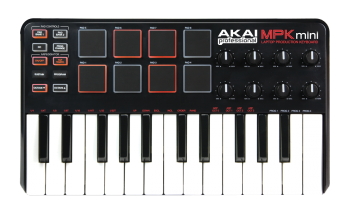 The Akai MPK Mini allows for more advanced Preset editing, opening up the ability to change the way the controller interacts with your virtual instrument or DAW. This guide walks through the basics of the installation of the preset editing software as well as how to change and upload those changes back to the controller.
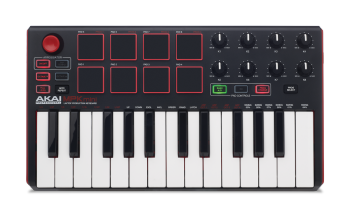 Samples are digitized snippets of audio that can either be recorded using the recording function of your MPC software or loaded from the File Browser. Have a keyboard, vocal, or instrument that you want to sample? With MPC Essentials, it has never been easier! The following article will show you how to take a sample, assign it to a pad, and chop it up.
 A keygroup is a type of program in MPC that will take a sample and pitch it across all of the keys on your MIDI controller or pads on your MPC, essentially creating your own virtual instrument. For example, you could turn a single bass note sample into an entire playable bass program by creating a keygroup with the sample. Keygroups are useful for adding melodic elements to your songs without using plugins or instruments, or for adding pitched layers to your drums. This guide will walk through how to create a simple keygroup program with MPC Essentials.