
ION Audio Pics 2 SD - Frequently Asked Questions
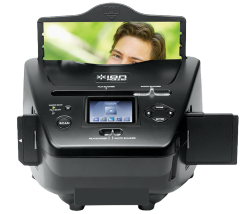 Rediscover your long-lost photo prints, slides, and film negatives with Pics 2 SD. This high-quality scanner transfers your images directly onto an SD card so you can enjoy your old pictures with the latest technology. Thanks to Pics 2 SD's full-color LCD screen, you don't even need a computer to make it work! This article answers some frequently asked questions about the ION Audio Pics 2 SD.
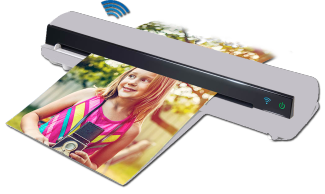 The following tutorial walks through how to install the ION Audio Air Copy app, connect to wi-fi, scan the document/image, and then save it to a wireless device.
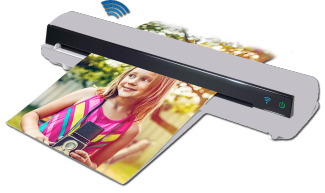 Air Copy is sleek in form and function. It's the perfect companion on the go: compact enough to fit in your messenger bag, briefcase or backpack, and incredibly easy to use. In this article we answer your top questions for the ION Audio Air Copy.
 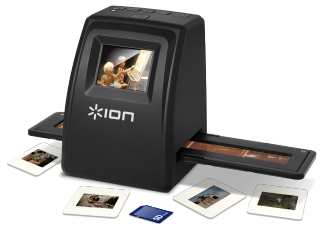 With Film 2 SD Plus, you can enjoy your old pictures with the latest technology. Just one button starts the scan, and the convenient auto focus, auto exposure, and auto-color balance mean you don't have to be a photo whiz to make great digital images—you'll be reliving all of your treasured memories in no time. This video and article walks through how to scan your film or slide type and then transfer the images to your computer.
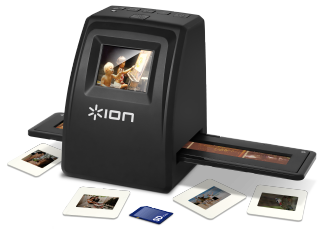 The Film 2 SD Plus allows you to scan and transfer slide images to your computer. The following guide walks through the steps to install and transfer images from the Film 2 SD Plus to your computer using the ArcSoft MediaImpressions 2 software.
 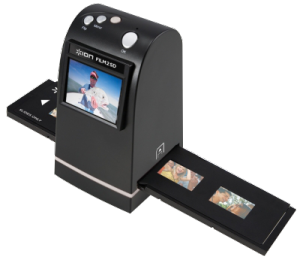 The Film 2 SD has the ability to scan your images to an SD card. It also allows for for the ability to scan as three different Film Types that will change the way the image is scanned. This tutorial shows how to change these Film Types.
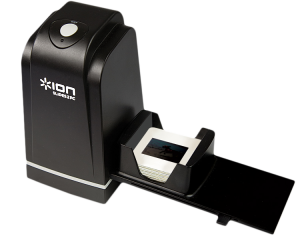 The ION Audio Slides 2 PC MKIII makes it easy and fun to rediscover your 35mm negatives and slides on your Mac or PC. Incredibly fast scanning and a single-cable connection make the Slides 2 PC MKIII perfect for archiving your memories, your family's memories and your friends' memories. This guide walks through setting up the Slides 2 PC MKIII with Arcsoft PhotoImpressions 6.