
Akai Pro MPC Series - Setup with a MIDI Controller and Logic
 This video and accompanying download walk you though integrating Logic Pro into your MPC-centered studio. In this setup, we use the MPC as the sequencer, with Logic Pro acting a sound module. We also incorporate a USB MIDI keyboard controller.
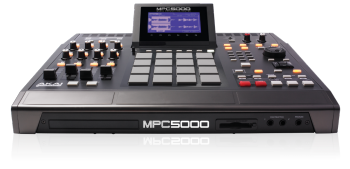 Everyone wants more. If you are lucky enough to own an Akai MPC and an Akai MPK, then you should know that these can be synced together using MIDI Clock. This allows for perfect timing and instantaneous messaging between all synced devices and programs. Check out the guide below on how to sync an Akai MPK, an MPC, and Propellerhead's Reason software. Once you do this, beware! The dangers of such unlimited potential may be hazardous to your health!
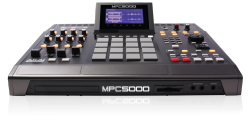
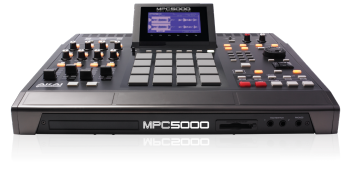 In this video, we'll cover loading and saving on the Akai MPC5000. This will include samples, programs, sequences and songs.
 A step-by-step walkthrough on how to synchronize your MPC with Reason.
 A step-by-step walkthrough on how to synchronize your MPC with Ableton Live.
 A step-by-step walkthrough on how to synchronize your MPC with Cubase LE.
 A step-by-step walkthrough on how to synchronize your MPC with Sonar.
 In this video we walk through how to install or replace the CDM25 DVD-ROM drive in an Akai Professional MPC500 or MPC2500. The plug-and-play DVD drive comes right out with no tools, and can be swapped out in about 2 minutes. Just a screw driver is needed to open the access panel.