
Numark NV - Setup In Virtual DJ 8

The Numark NV hardware connects to Windows and Mac computers as a class compliant MIDI device. Because of this, the platters, knobs, sliders, and pads can be mapped to any DJ application that supports custom mapping.
Virtual DJ has released their own custom mapping for Numark NV in Virtual DJ 8 build , allowing for flexible software control right from the NV hardware..
In the following article we'll walk you through setting up Numark NV with Virtual DJ 8 and configuring the audio settings.
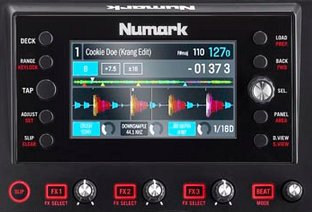 One of the most useful features of the DJ controller is the onboard dual 4 inch displays. These screens allow you to DJ without having your laptop open, which can sometimes disconnect you from your crowd. In this guide I will show you how to setup your Mac or Windows laptop so you can close the lid, push the computer to the side, and focus on the dance floor.
 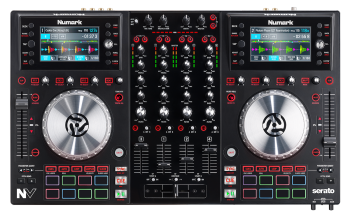 The Numark NV is a Serato DJ exclusive controller with integrated dual display screens. The NV allows you to close your laptop, and focus on what's important - the crowd, and the music. In the following article we will answer a few questions you may have.
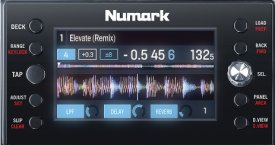 If your music files have not been analyzed in Serato prior to connecting your NV, your NV screens may not display the wave forms. Before you play music in Serato DJ, you should be sure that your music files have been analyzed, and that they are a supported file type. The 'Analyze Files' function helps detect file corruption, builds and saves waveform overviews, and calculates auto-gain and BPM values. The following guide will walk you though how to analyze your files in Serato DJ.
 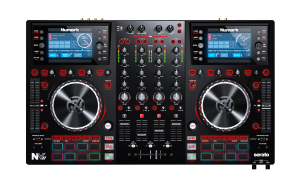 The Numark NVII builds on the success of it's predecessor with an updated design and layout, additional on-screen library sorting options and most importantly: on-screen beatgrid view! This article walks you through how to get started with your NVII by downloading, installing and connecting with Serato DJ.